

The sentence order of German practice
1.A website designed to help beginners learn German through sentence order exercises, vocabulary games, and grammar quizzes. 2.Users can practice building correct German sentences and track their daily progress. 3.The goal is to make German grammar fun and easy to understand through interactive activities.
by Qianning Liao• qianning.liao.24@stu.hainan-biuh.edu.cn
Description
Project Name: DeutschSteps Project Summary DeutschSteps is a static front-end web application designed to help learners practice and master German sentence structure through interactive drag-and-drop exercises. Users can rearrange words and phrases to form correct sentences, then verify their answers, view solutions, or proceed to new questions. The site includes a responsive homepage and practice page, optimized for both desktop and touch devices with full touch-drag support. Built entirely with HTML, CSS, and JavaScript, it requires no backend infrastructure and can be hosted on any static server. Main Features Drag-and-drop interface for constructing German sentences Control buttons to check answers, reveal solutions, navigate questions, and reset exercises Expandable question bank with multiple practice samples Responsive design ensuring compatibility across devices Accessibility enhancements, including ARIA live regions and status roles Tech Stack HTML5 for semantic structure and accessibility CSS3 with Flexbox/Grid for responsive layouts Vanilla JavaScript for drag-and-drop functionality and interactive elements Static assets (images, favicon) with no external dependencies or build tools File List and Explanations index.html: Homepage featuring project introduction, bilingual content, and navigation to the practice section game.html: Primary practice page enabling sentence rearrangement and answer validation game.js: Core JavaScript logic for question rendering, drag-and-drop events, answer checking, and progress tracking script.js: Supplemental JavaScript for basic drag-and-drop functionality and demo purposes styles.css: Global stylesheet defining responsive design, color themes, and UI components README.md: Project documentation with setup and usage instructions concept.md: Design notes outlining project structure and objectives images/: Directory containing hero background (deutsch_hero.jpeg) and Open Graph (og-image.jpeg) assets favicon.ico: Browser icon for branding and accessibility
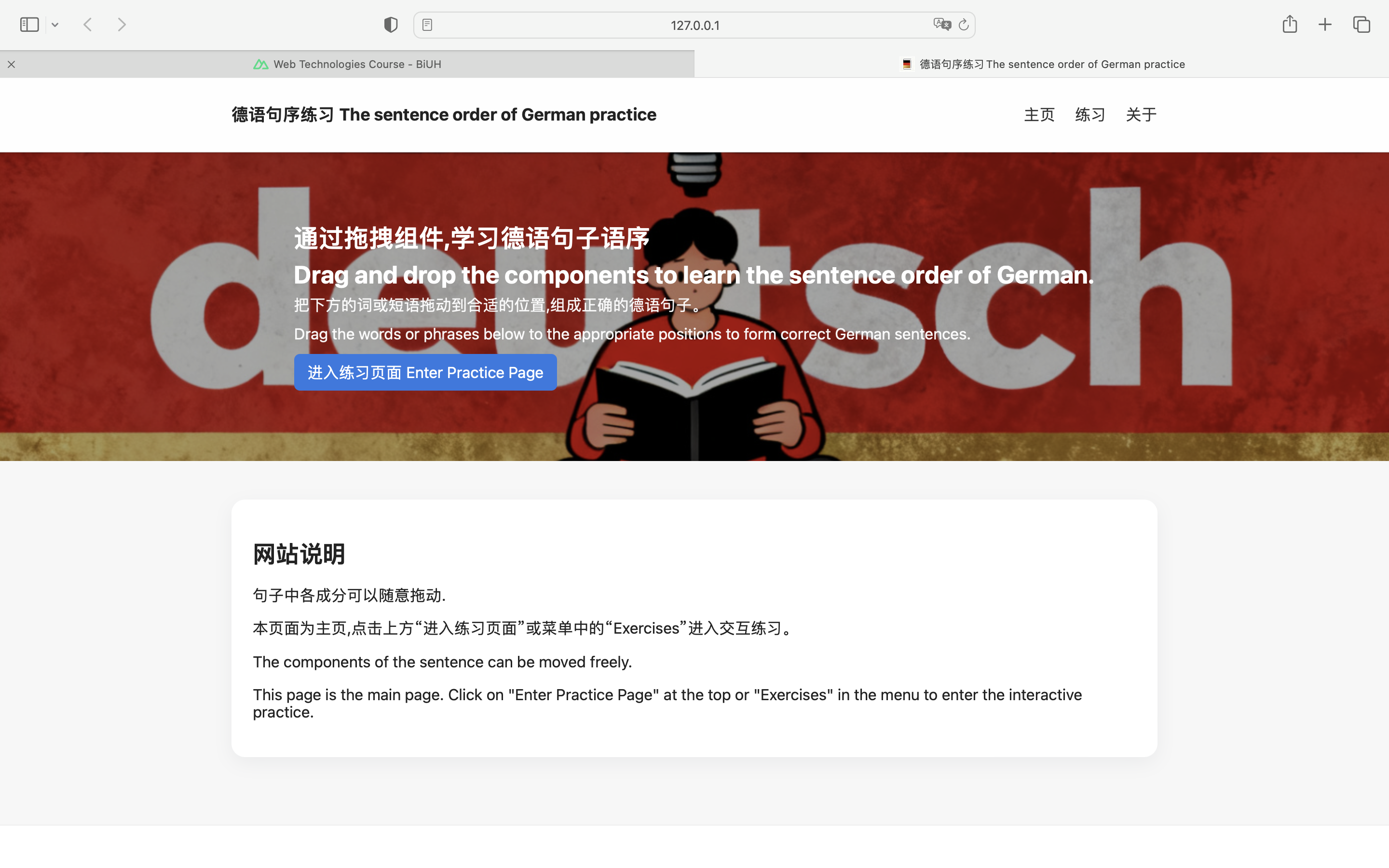
Desktop Homepage
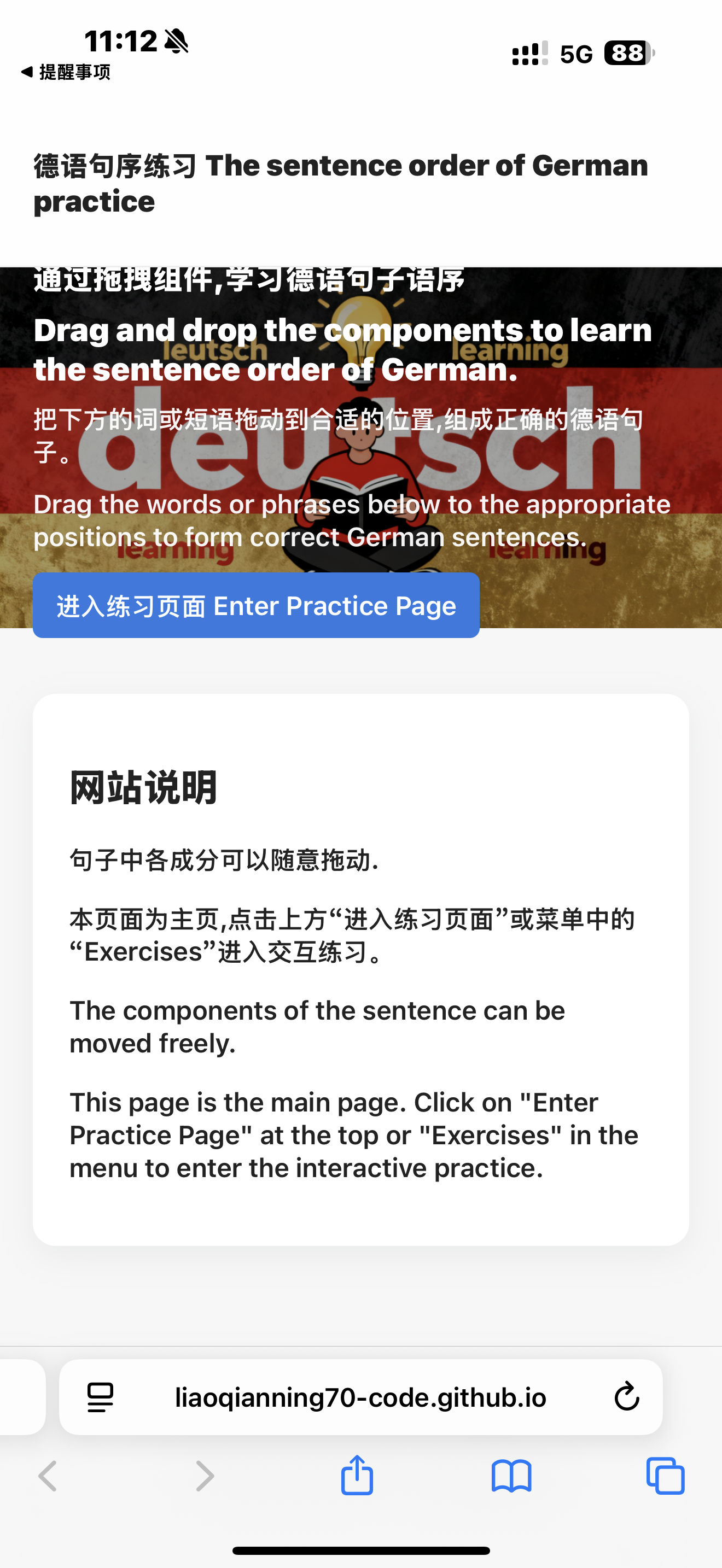
Mobile Homepage
Open Graph Image
Favicon